
How does it work
| GOHIGHLEVEL | SERVICEM8 |
| When a form is submitted | A new job will be created |
| When a call is missed | A new job will be created if no job exists or a new note will be added to an existing job |
| When an SMS is received | A new job will be created if no job exists or a new note will be added to an existing job |
| SERVICEM8 | GOHIGHLEVEL |
| When a new job is created from a GHL client | SM8 job details will be saved in the client card |
| When Job Status = Quote | Opportunity will be moved to Quote Requested Stage |
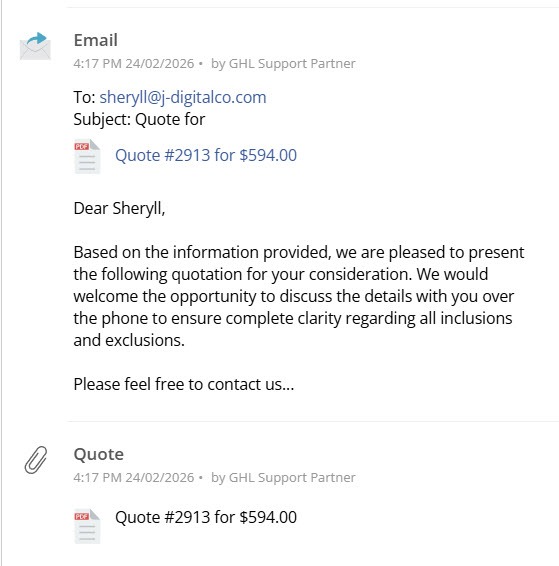
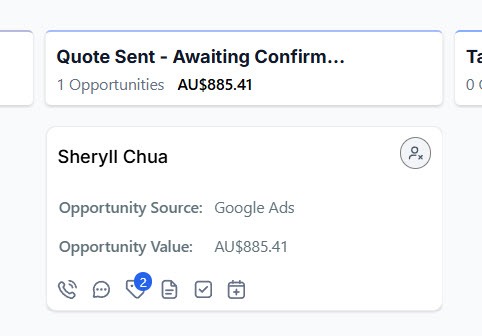
| When quote is sent | Opportunity will be moved to Quote Sent Stage |
| When Job Status = Work Order | Opportunity will be moved to Task in Progress Stage |
| When Job Status = Completed | Opportunity will be moved to Task Completed Stage |
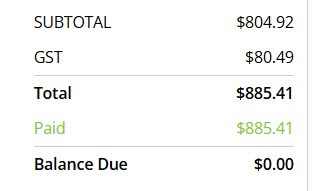
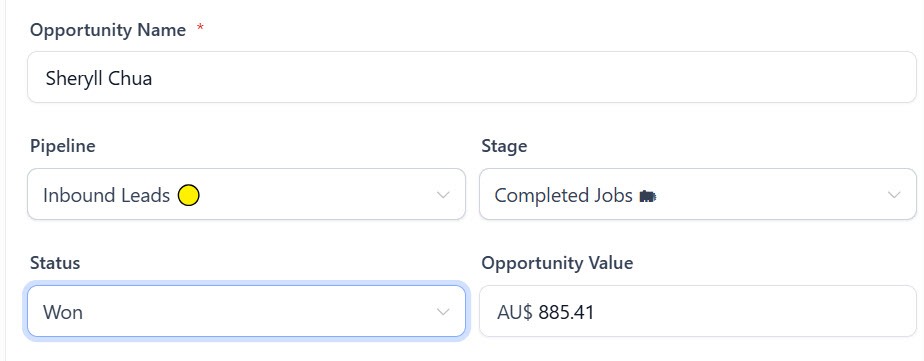
| When full payment is received | Opportunity will be moved to Completed Job Stage |
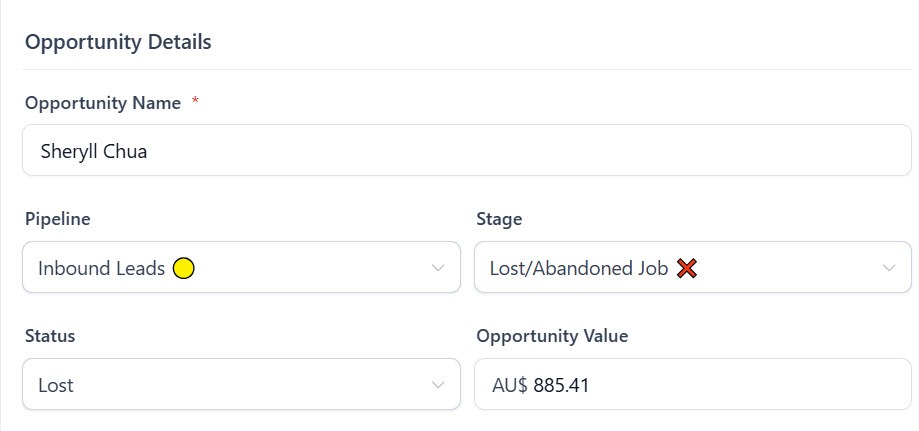
| When Job Status = Unsuccessful | Opportunity will be moved to Lost/Abandoned Job Stage |
| When the job amount is updated at any status | Opportunity value will be updated |
GoHighLevel – Form Submission
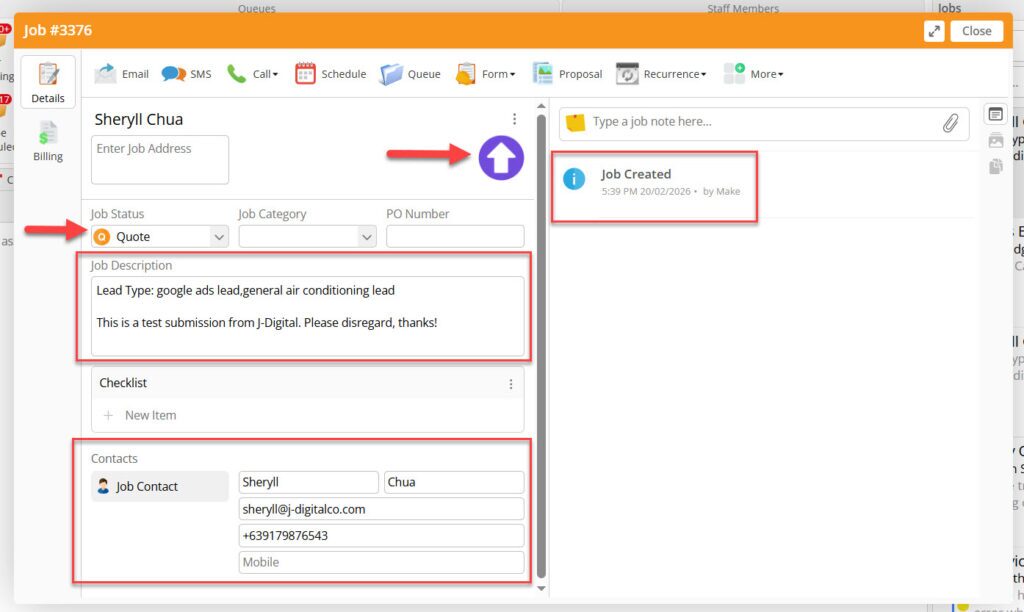
When a form is submitted in GHL, a new job will automatically be created in SM8 with Job Status = Quote. The job card will contain the following:
- Client name
- Address (if provided by the client)
- Phone
- Job description
- File attachment (photos, etc – if provided by the client in the form)
Optionally, a GHL badge will be attached to the job card to indicate that the job came from GoHighLevel. Job description will also show “Lead Type”
GoHighLevel – Missed Call / SMS
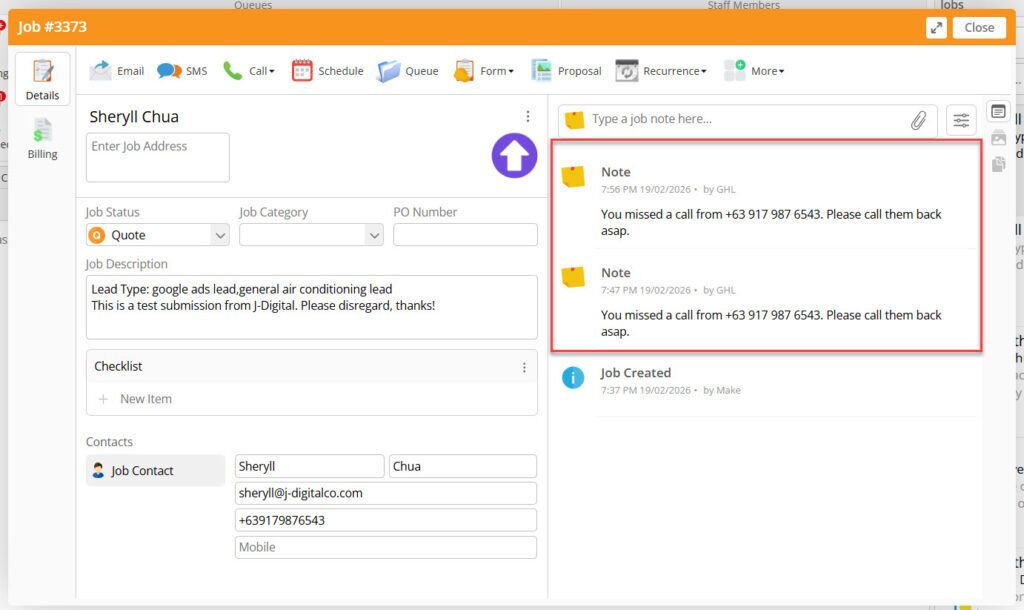
When a call is received and missed or an SMS is received in GHL, the integration will check first if the customer has an existing job in SM8.
If an SM8 job exists, a note will be added to the job card. If it’s an SMS, the note will contain the SMS. If it’s a missed call, the note will say “You have a missed call from [phone number]”
If no SM8 job exists, a new job will be created (please refer to GoHighLevel – Form Submission)
ServiceM8 – New Job from GHL Client
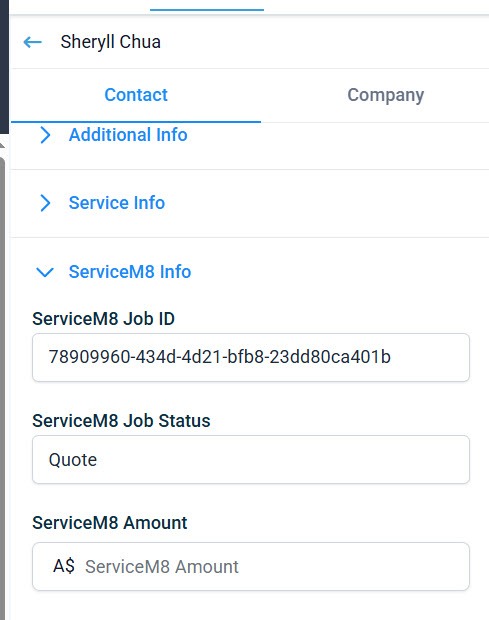
When a new job is created in SM8 from a client in GHL, the following job details are saved in GHL:
- SM8 Job ID
- SM8 Job Status
- SM8 Job Amount
ServiceM8 – Job Status Updated
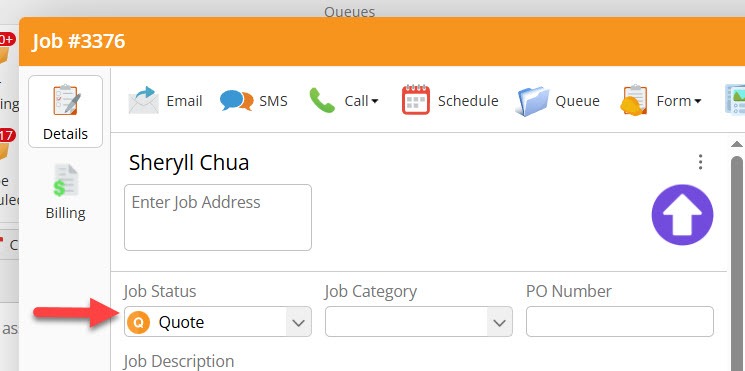
Job Status = Quote –> Stage = Quote Requested
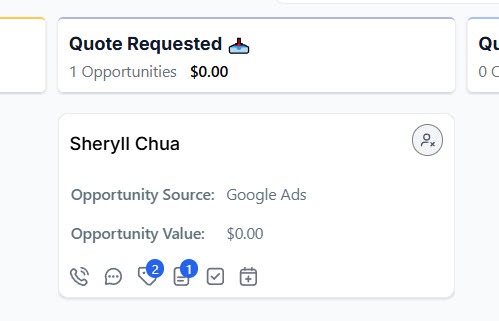
Job Status = Work Order –> Stage = Task in Progress
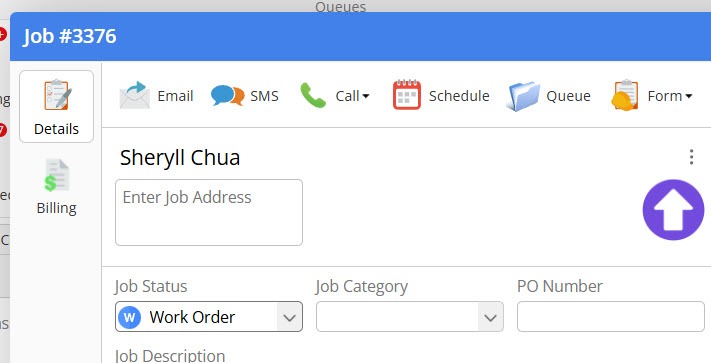
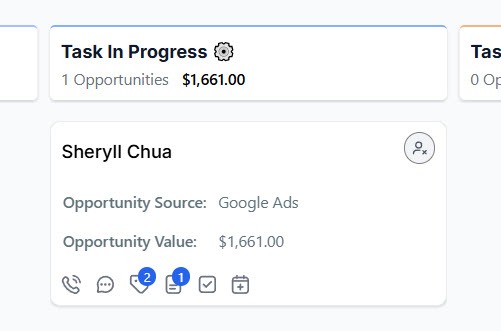
Job Status = Completed –> Stage = Task Completed
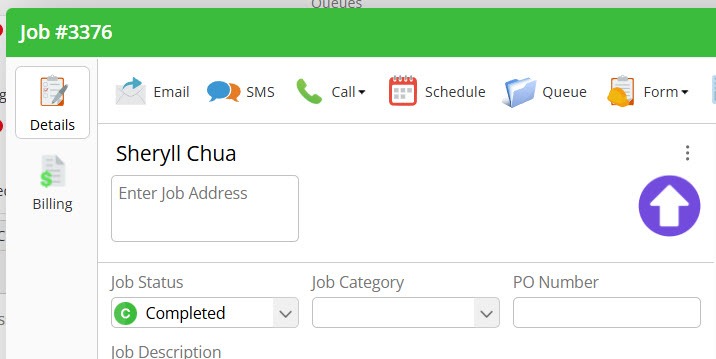
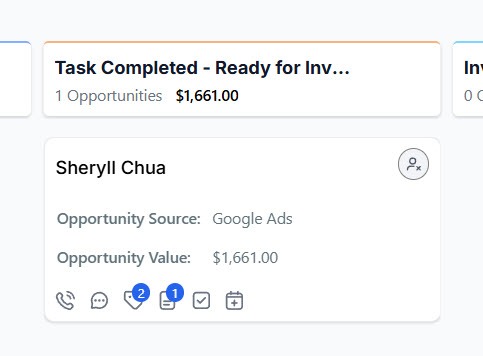
Job Status = Unsuccessful –> Stage = Lost/Abandoned Job
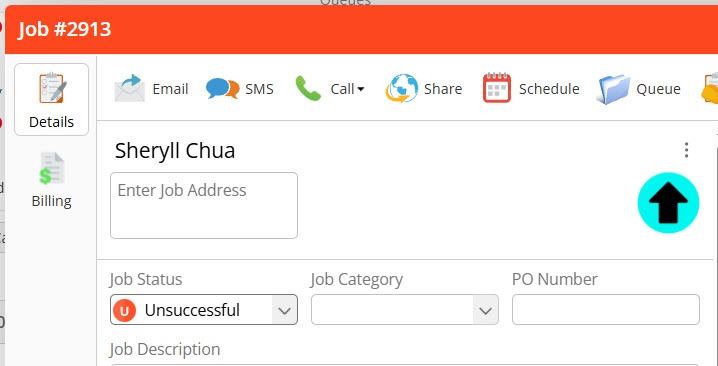
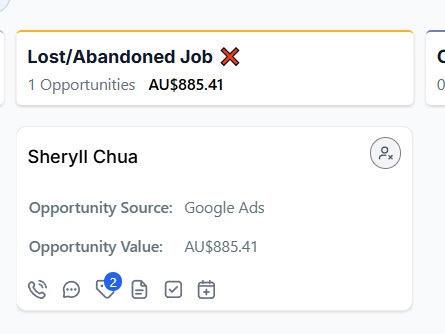
Unsuccessful SM8 job will also have a Lost Status in GHL
ServiceM8 – Job Details Updated
When Quote is sent –> Move to Quote Sent
When Full Invoice Payment is received –> Move to Completed Job
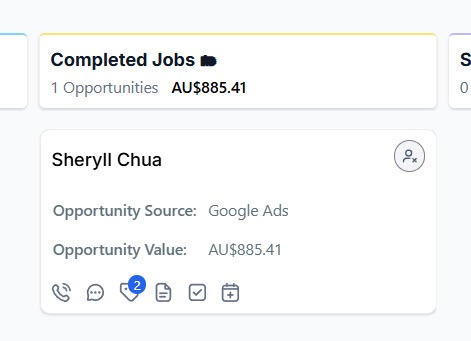
Completed Job will also have a Won status in GHL
To request a ServiceM8 – GoHighLevel integration:
- Please send an email to J-Digital GHL Team at ghl@j-digitalco.com.
- Let the team know if you require any modifications to the standard integration.
- Create a ServiceM8 user account. The team will provide the email address to use for this account.
- If possible, grant admin access to the GHL team. If admin access isn’t possible, please create an API key with full access and email to the team.
- Provide also badge access to the team so they can create a GHL badge.
